Industry
B2B SaaS
Client
Ticket Hub
Role
Product Designer, System Design
Ticket Hub - Modern Ticket Management Platform

Overview
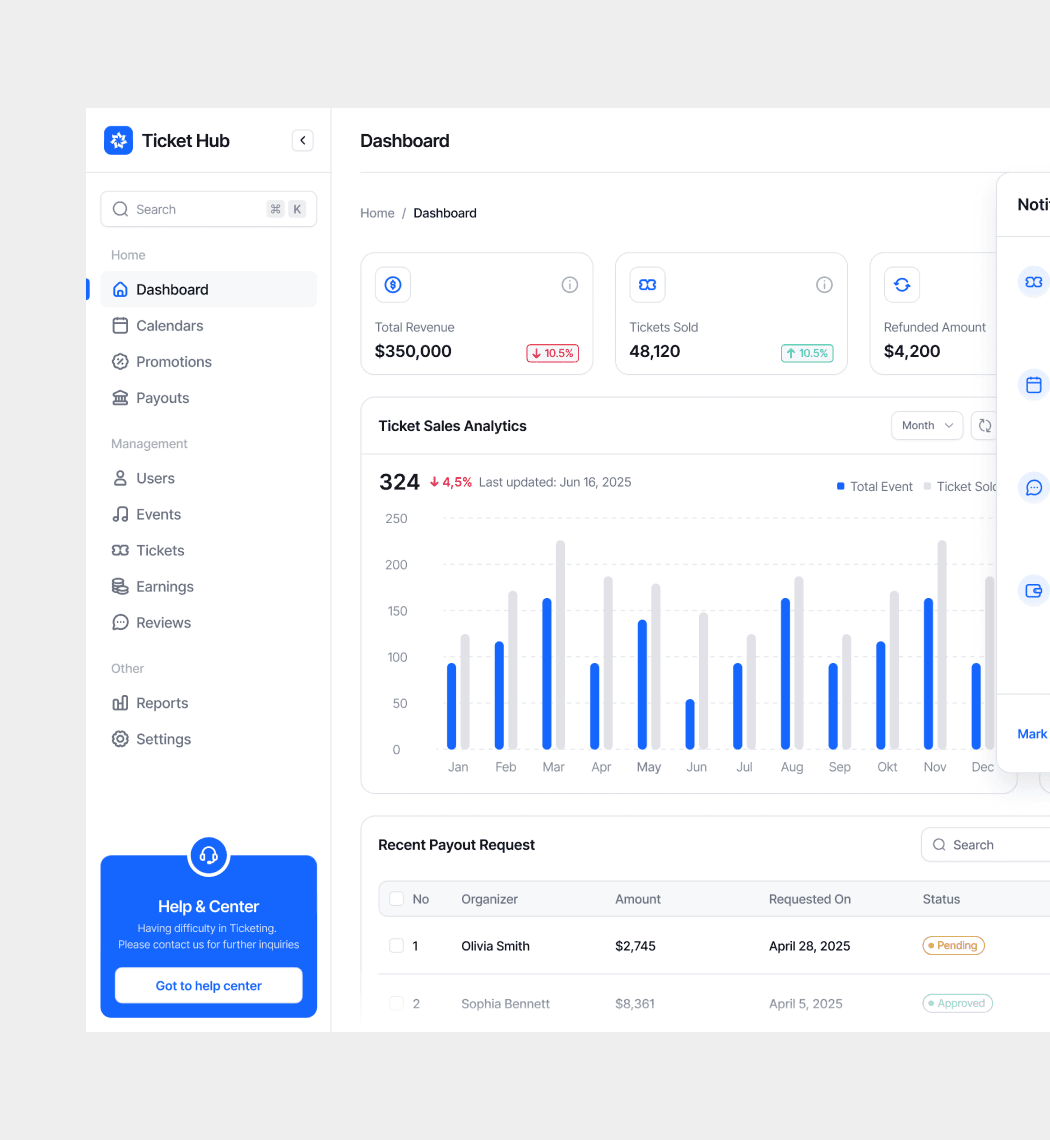
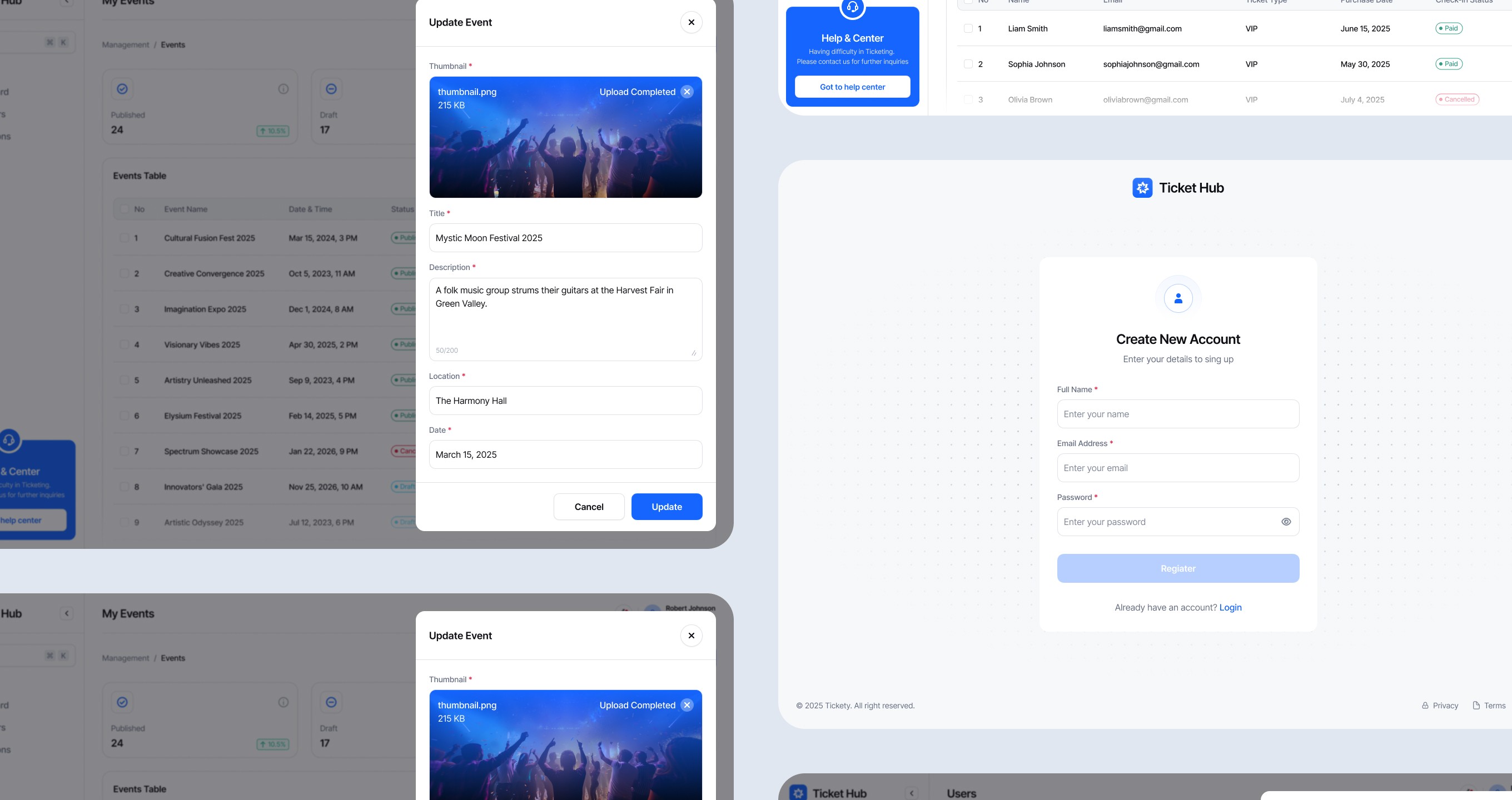
Ticket Hub is a ticket management platform for event organizers, promoters, and teams handling high-volume sales. The goal was to give teams a single place to manage inventory, track sales, and understand what was happening across every channel without constantly switching between tools.
Why It Matters
Ticket operations can get messy fast. A lot of teams are still dealing with spreadsheets, disconnected platforms, and guesswork when it comes to sales and inventory. That creates problems like overselling, slow updates, repeated support questions, and limited visibility when something goes wrong.
What I Designed
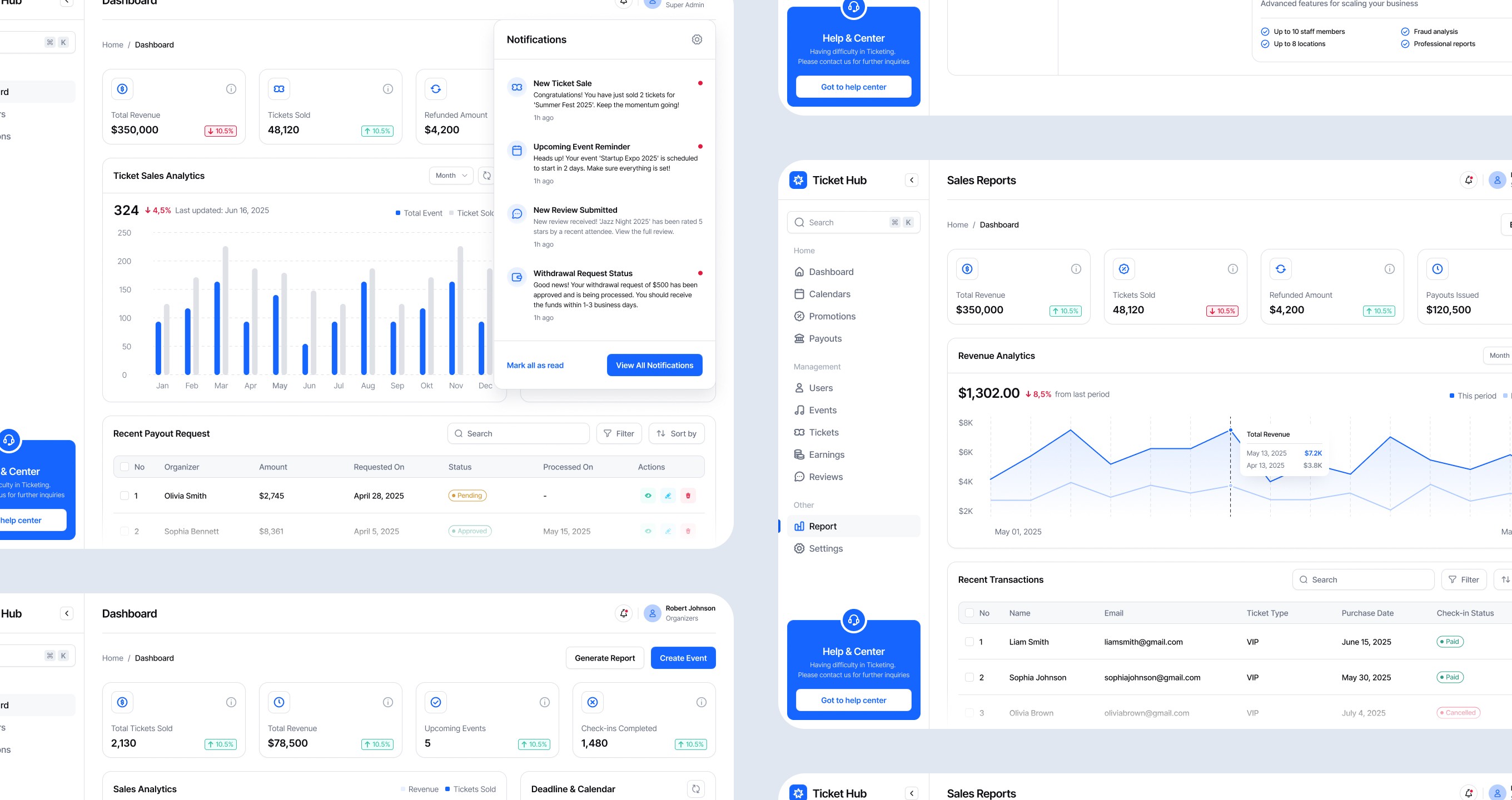
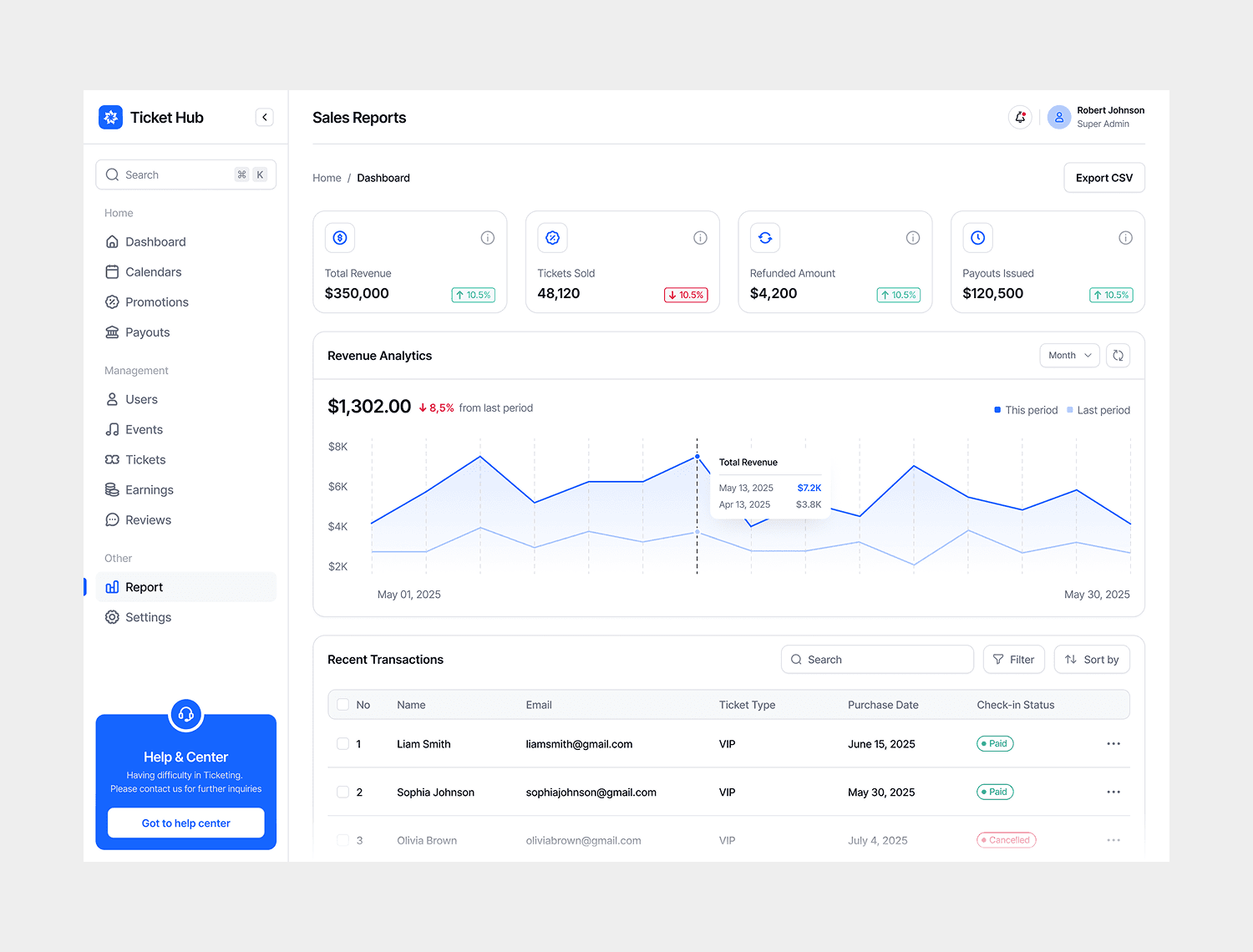
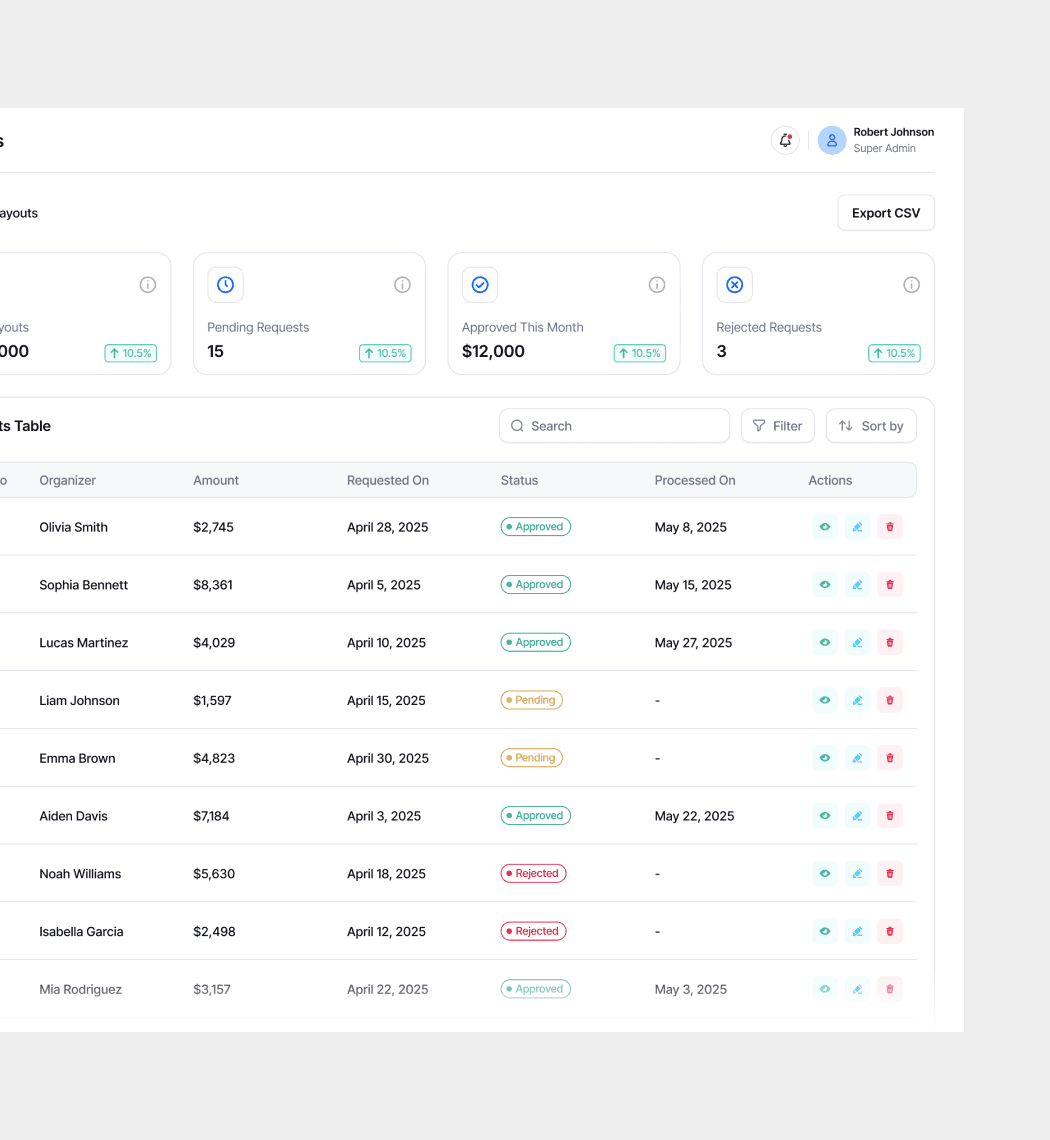
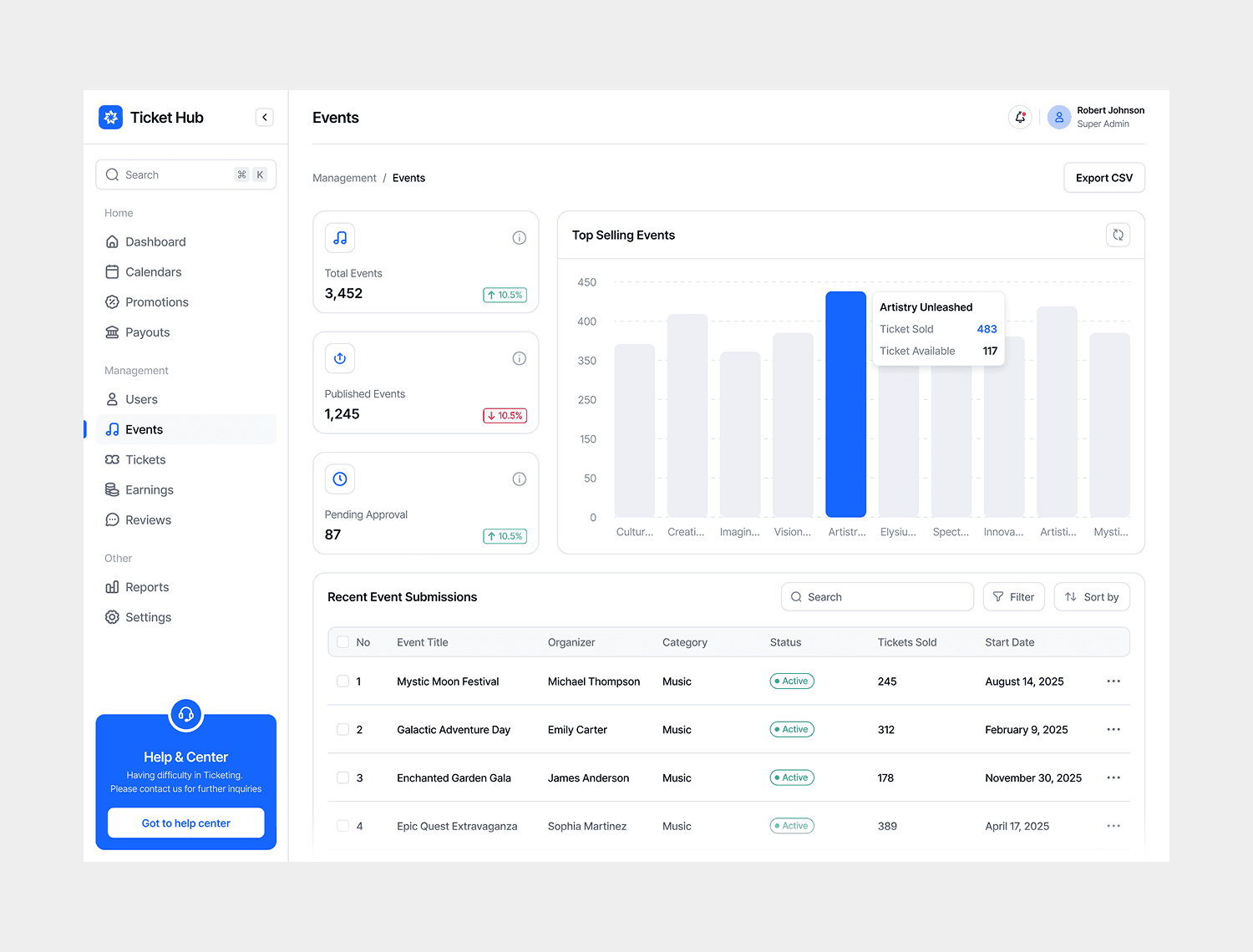
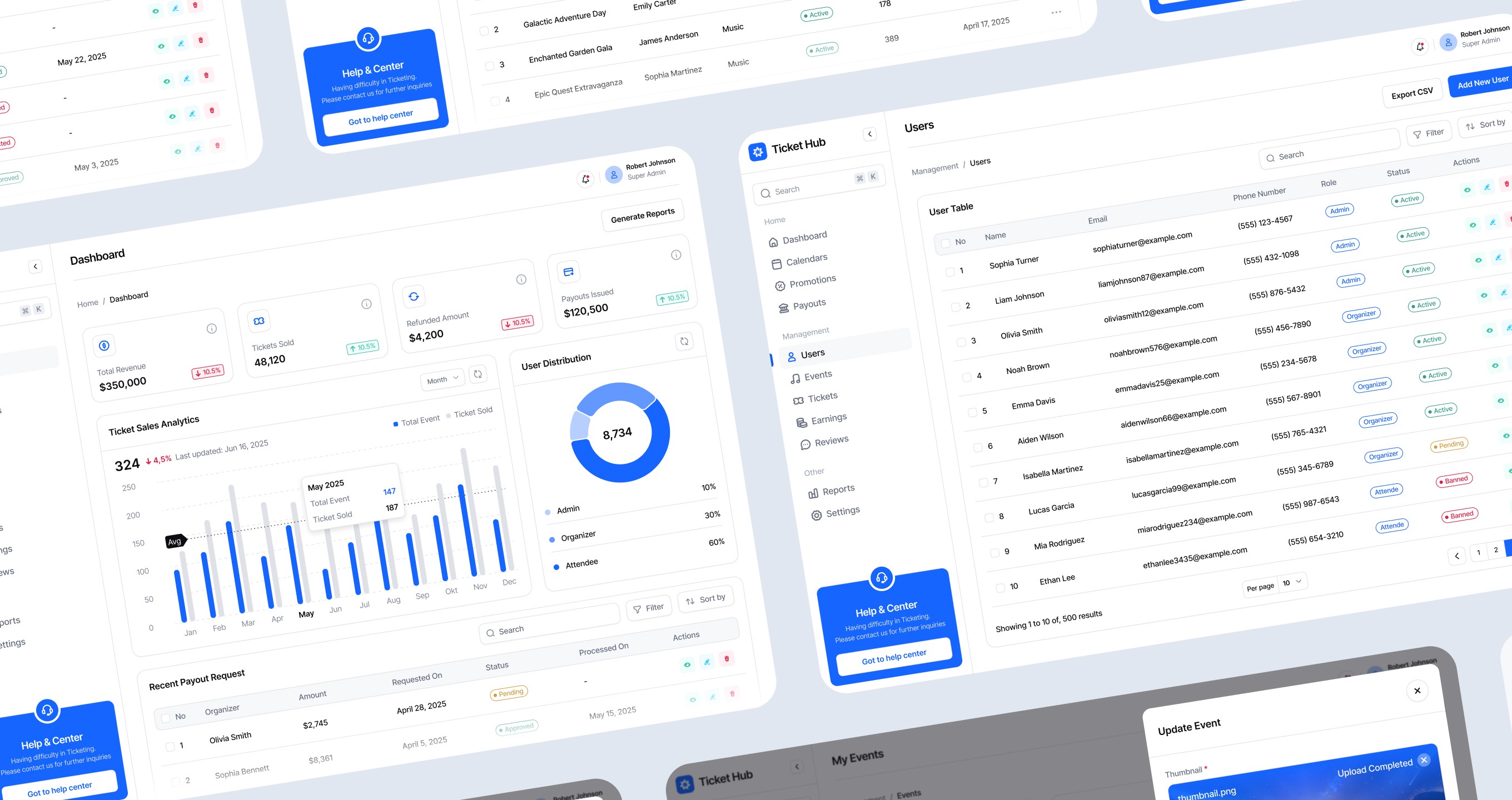
Ticket Hub brings ticket operations into one place with real-time inventory, live sales data, and tools designed for fast-moving event workflows.
How It Works
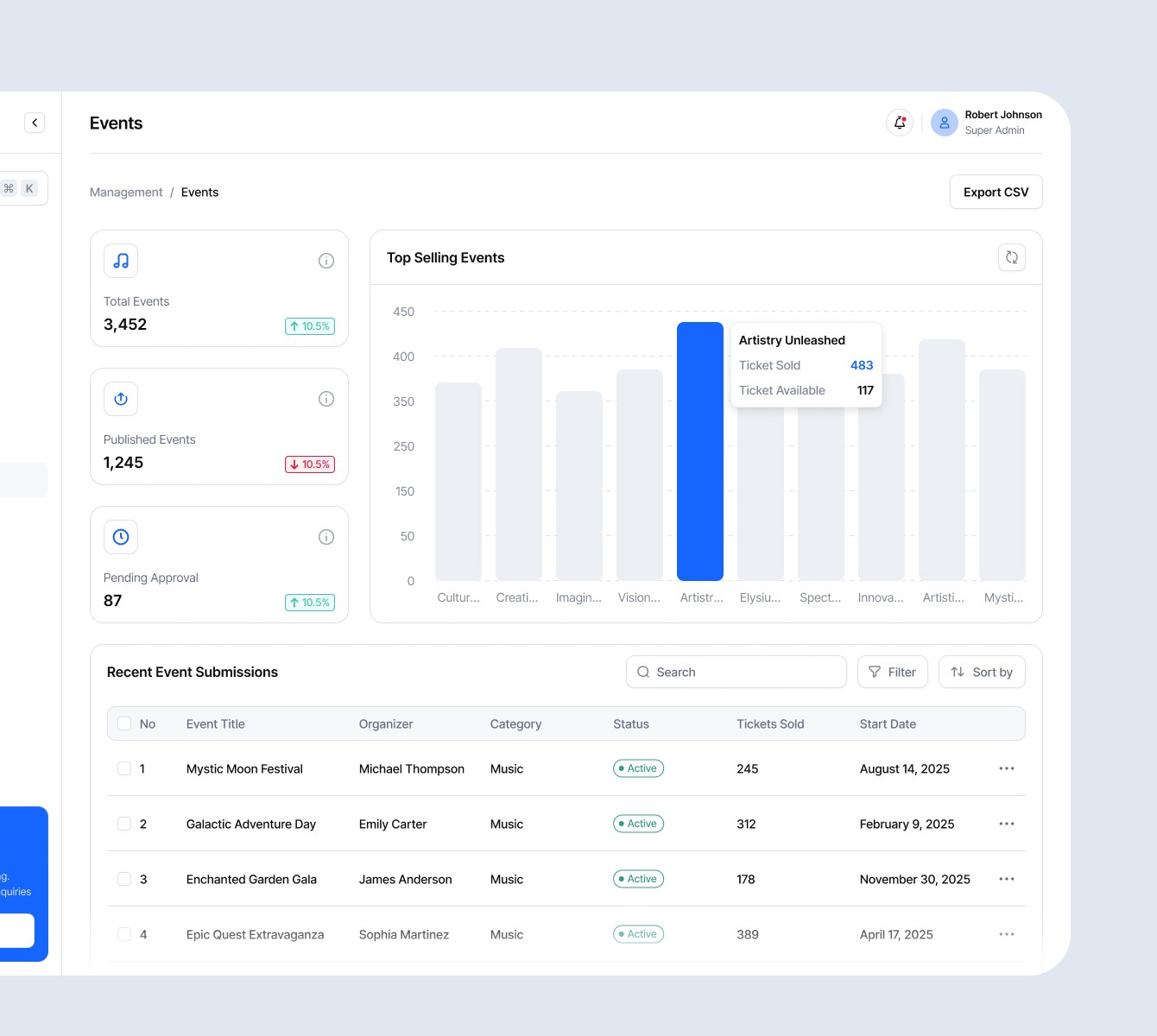
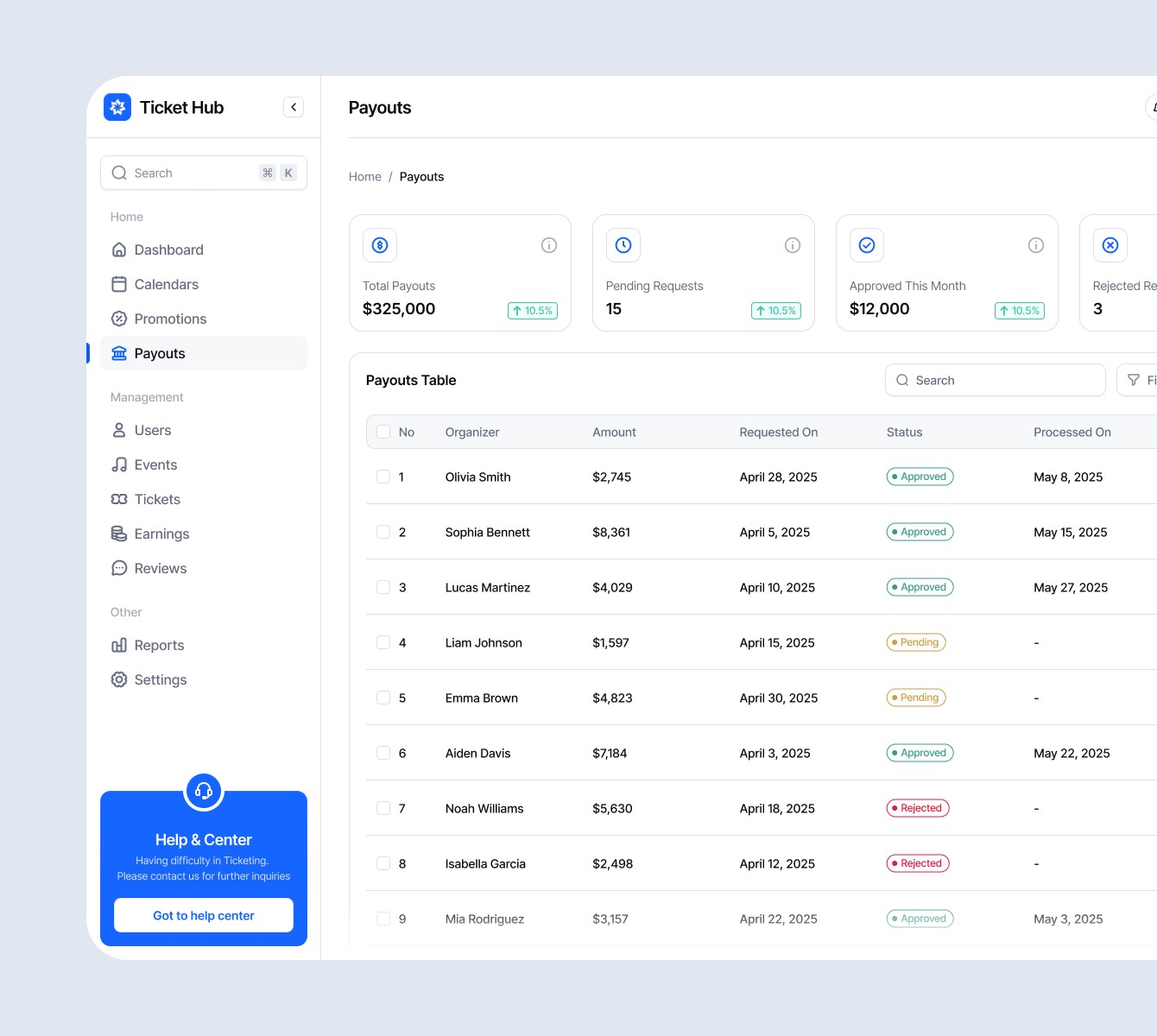
One source of truth - Inventory syncs in real time across online sales, gate sales, comps, and refunds, so teams always know what’s available. Live visibility - Dashboards show sales velocity, channel performance, ticket tier movement, and customer activity as it happens. Connected channels - Whether sales happen on a website, through a partner platform, or at the gate, everything flows into one system.