Industry
B2B SaaS
Client
Synthos
Role
Product Designer
Synthos - All-in-One AI Assistant Platform

Overview
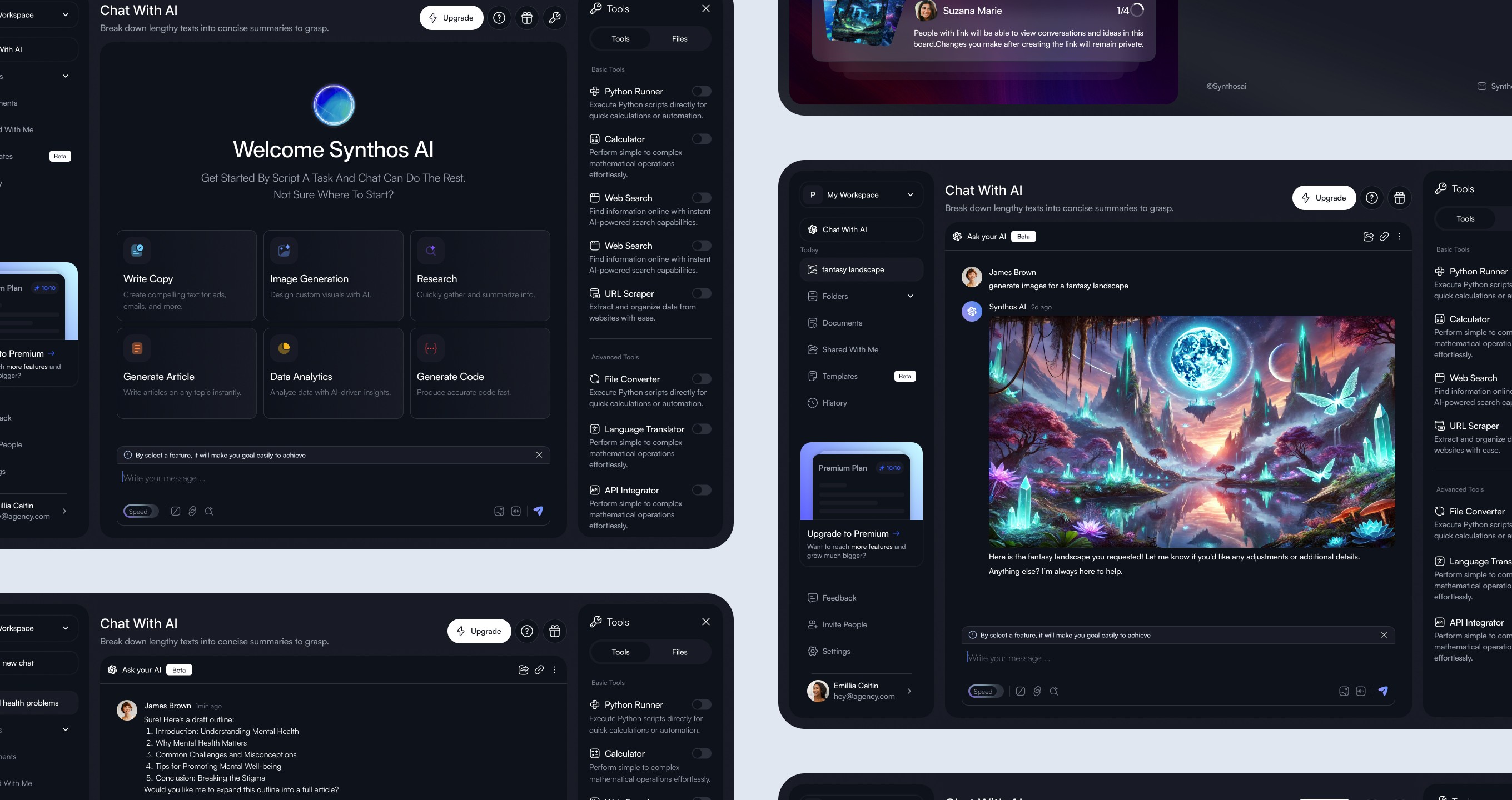
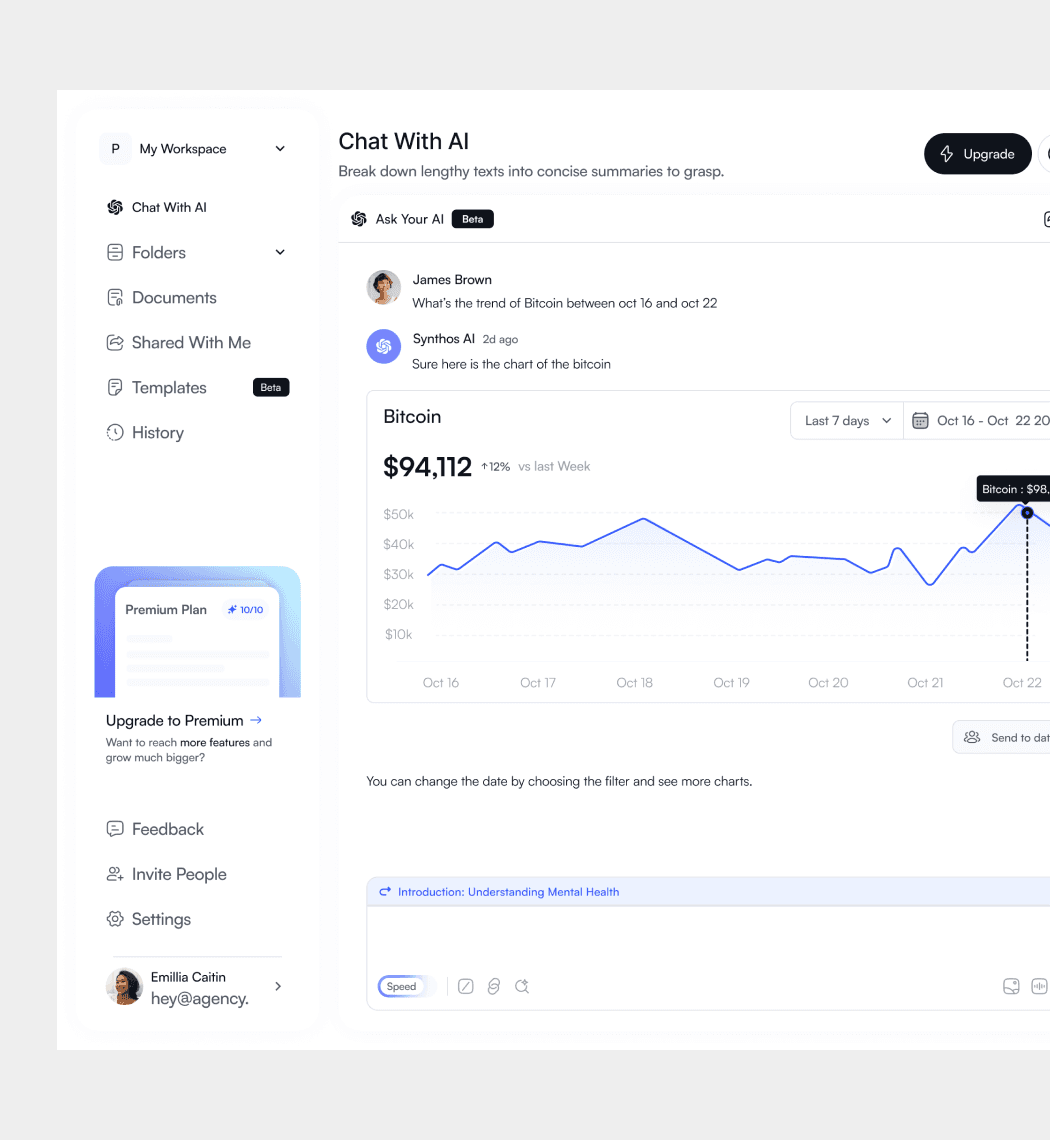
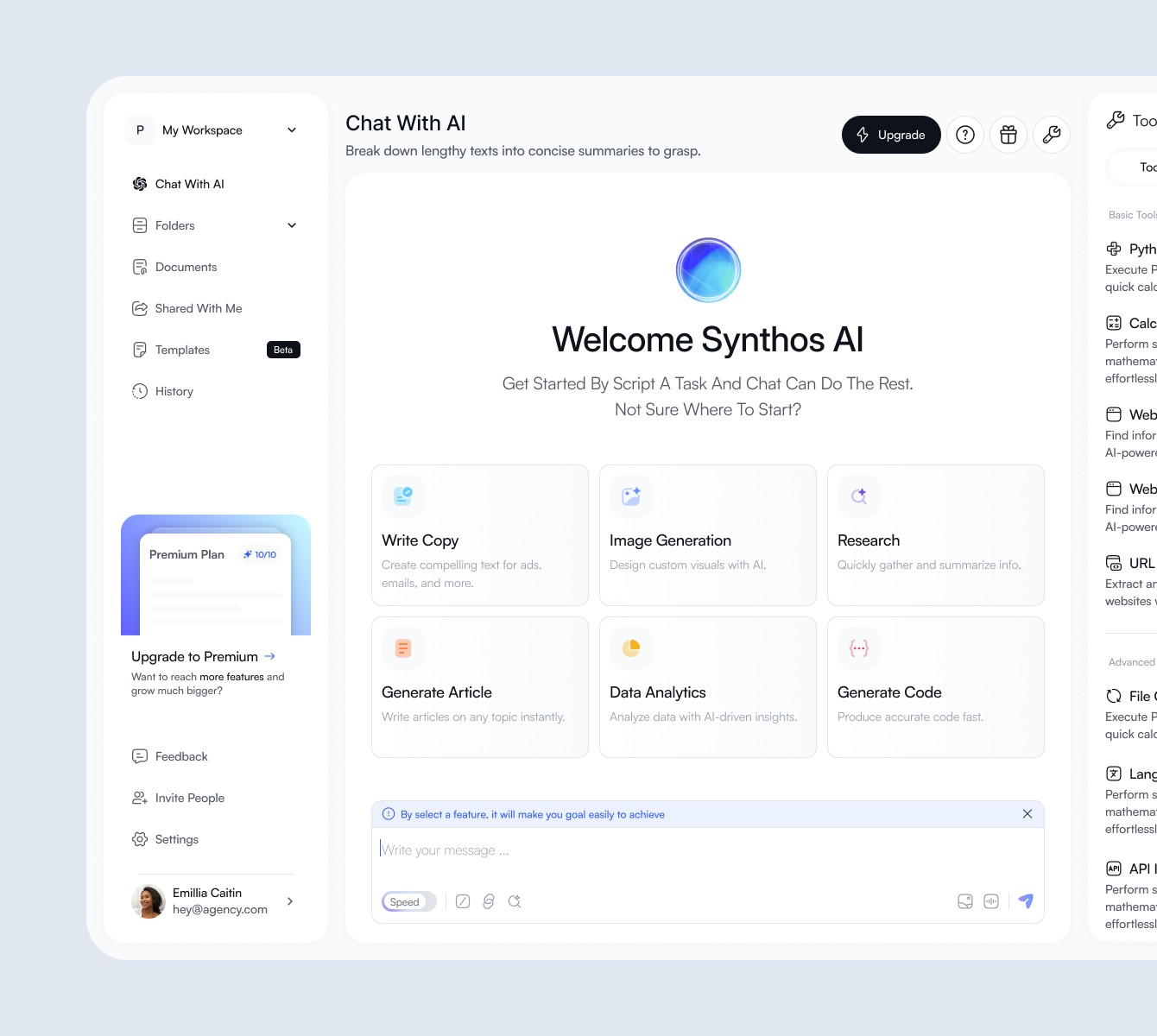
Synthos is an all-in-one AI workspace built for developers, writers, and analysts who want to stay focused without jumping between tools. The goal was to bring writing, coding, research, and data work into one place so people could move faster and keep their context as they work.

Why This Exists
Most AI workflows are fragmented. People end up switching between tabs, copying content from one tool to another, and losing momentum along the way. Synthos was designed to fix that by giving users one consistent workspace instead of forcing them to juggle different apps for different tasks.
Design Approach
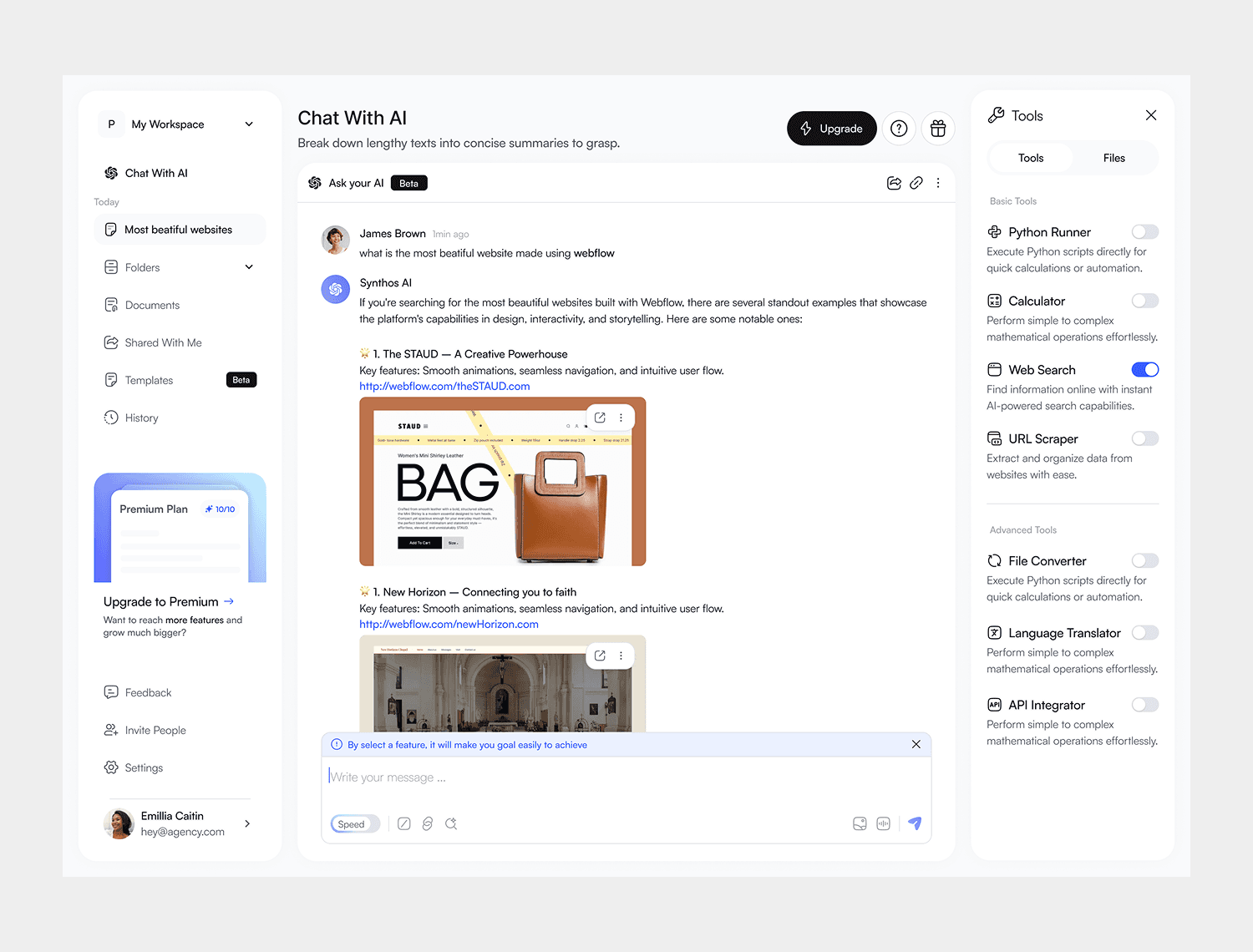
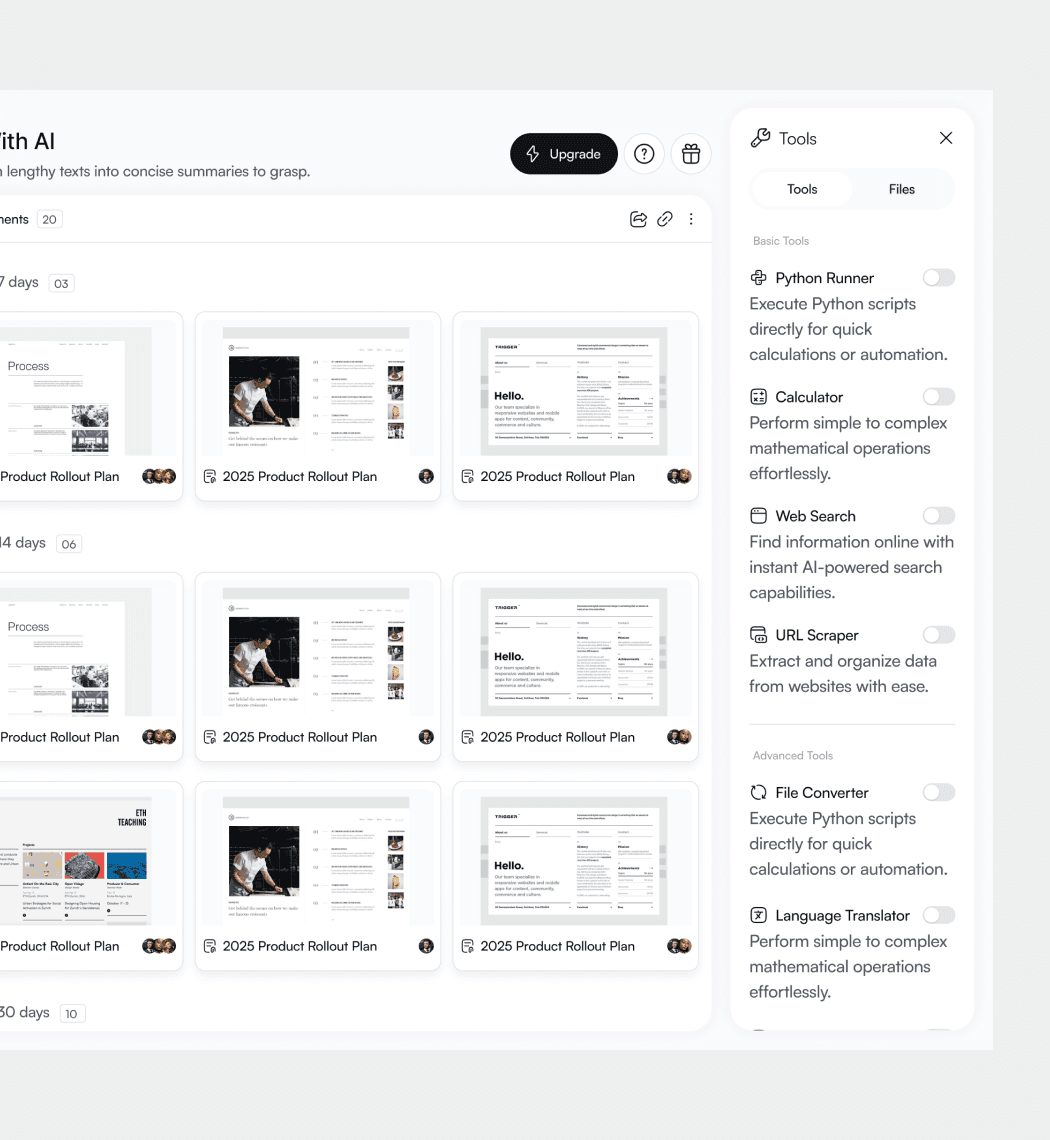
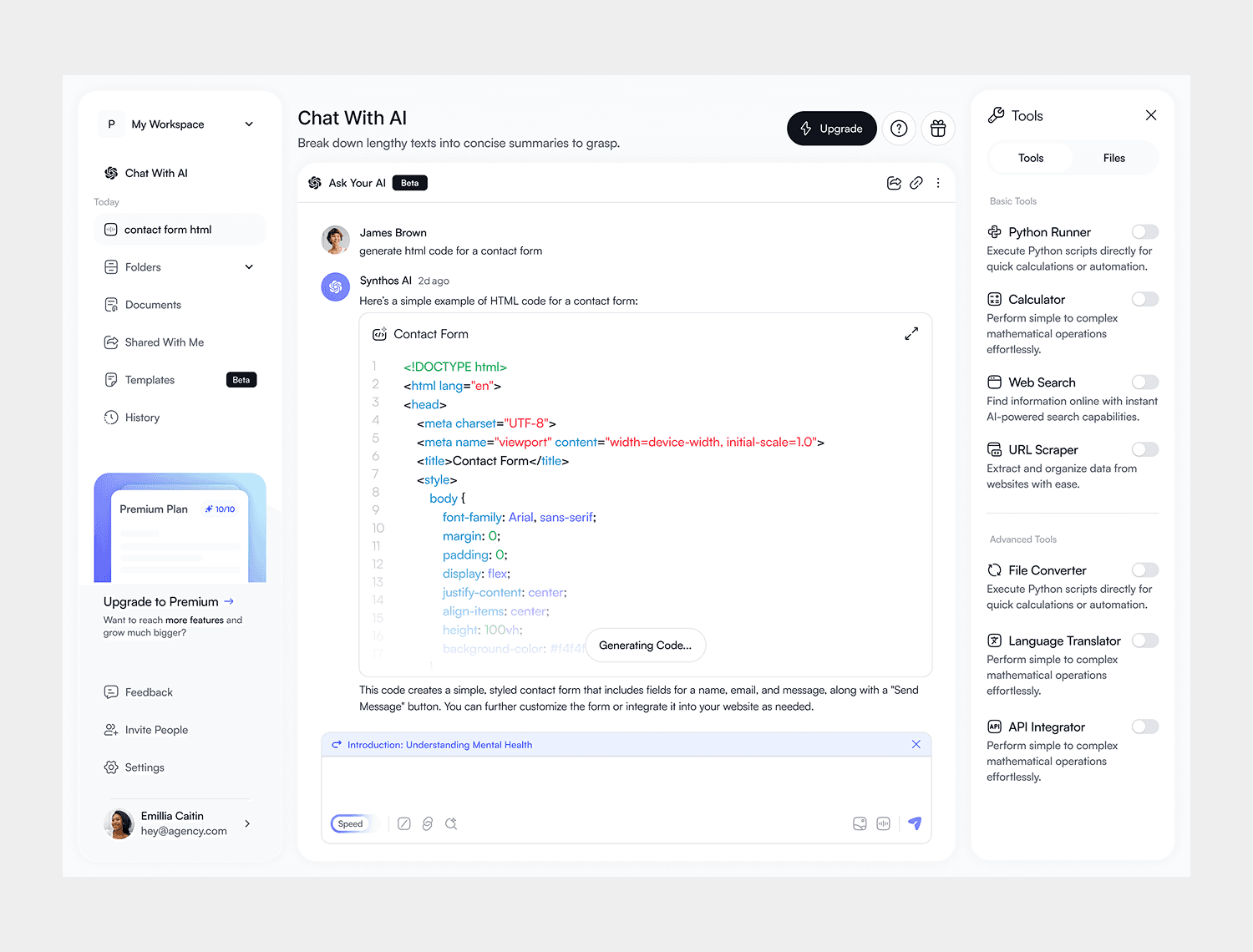
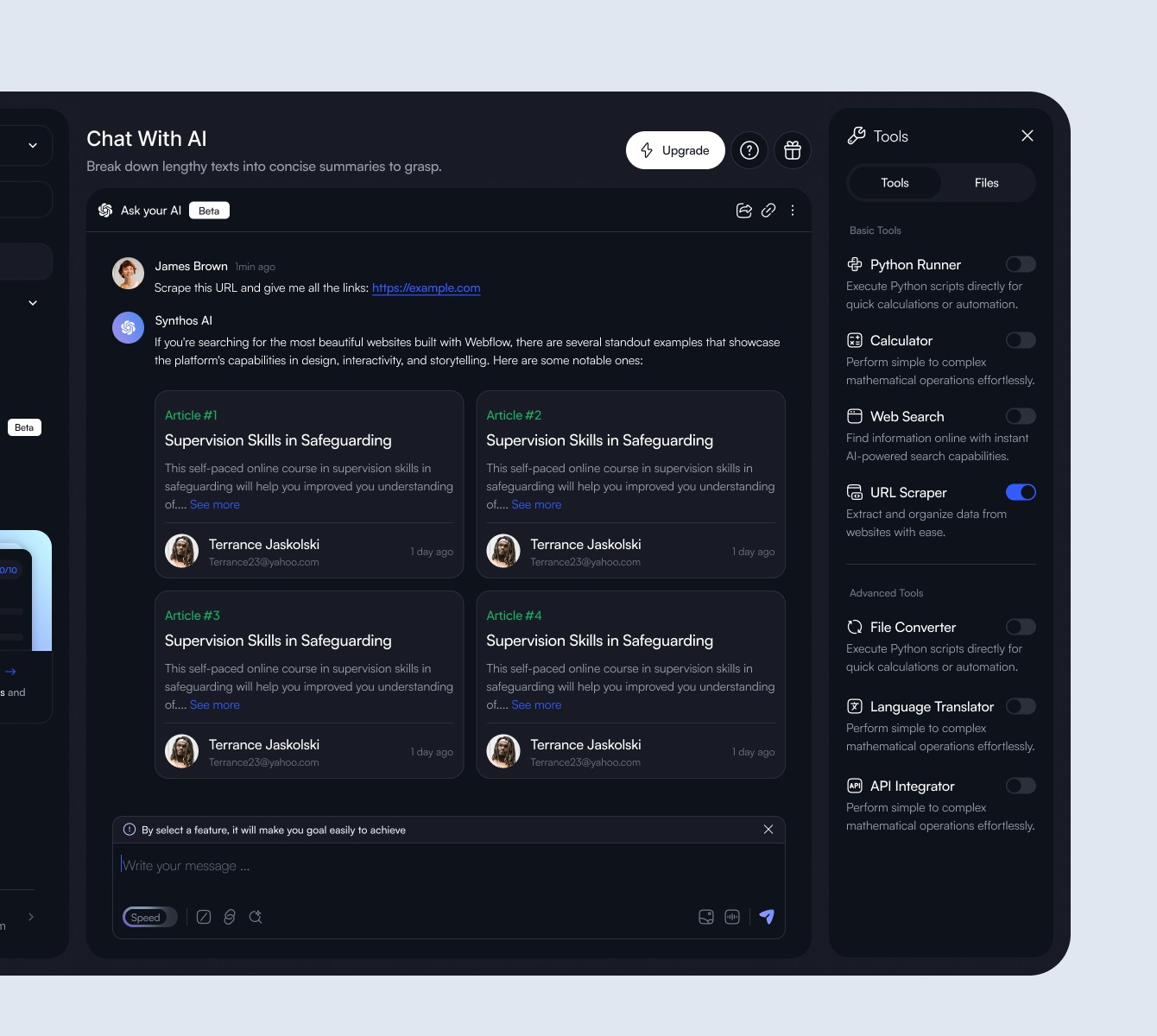
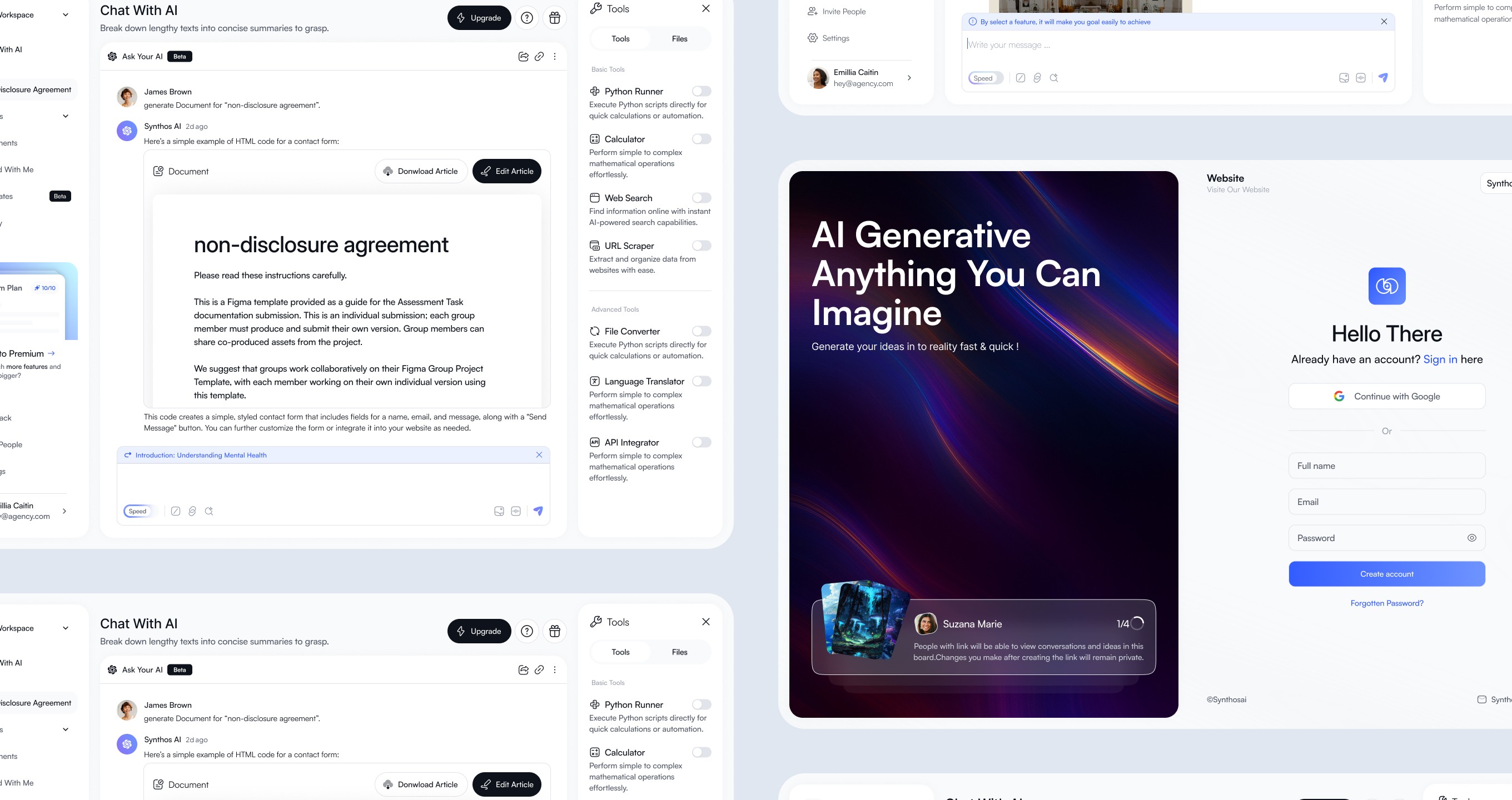
Rather than making every task feel the same, Synthos adapts to what the user is doing. Writing documentation? You get a clean rich-text editor. Generating code? You get a proper code editor with syntax highlighting. Analyzing data? You get a live visualization canvas. The experience stays consistent, but the interface changes to fit the work.
What Makes It Different
One workspace - Code, docs, research, and visualizations all live in one place. Smart context awareness - Synthos helps identify what kind of task the user is trying to do and suggests the right tool. Research to creation - Users can keep research open while writing or coding, and pull citations directly into their work. Code to docs - Code can be turned into structured, interactive documentation automatically. Live data visualization - Charts update as the data changes and can be embedded anywhere in the workspace.